
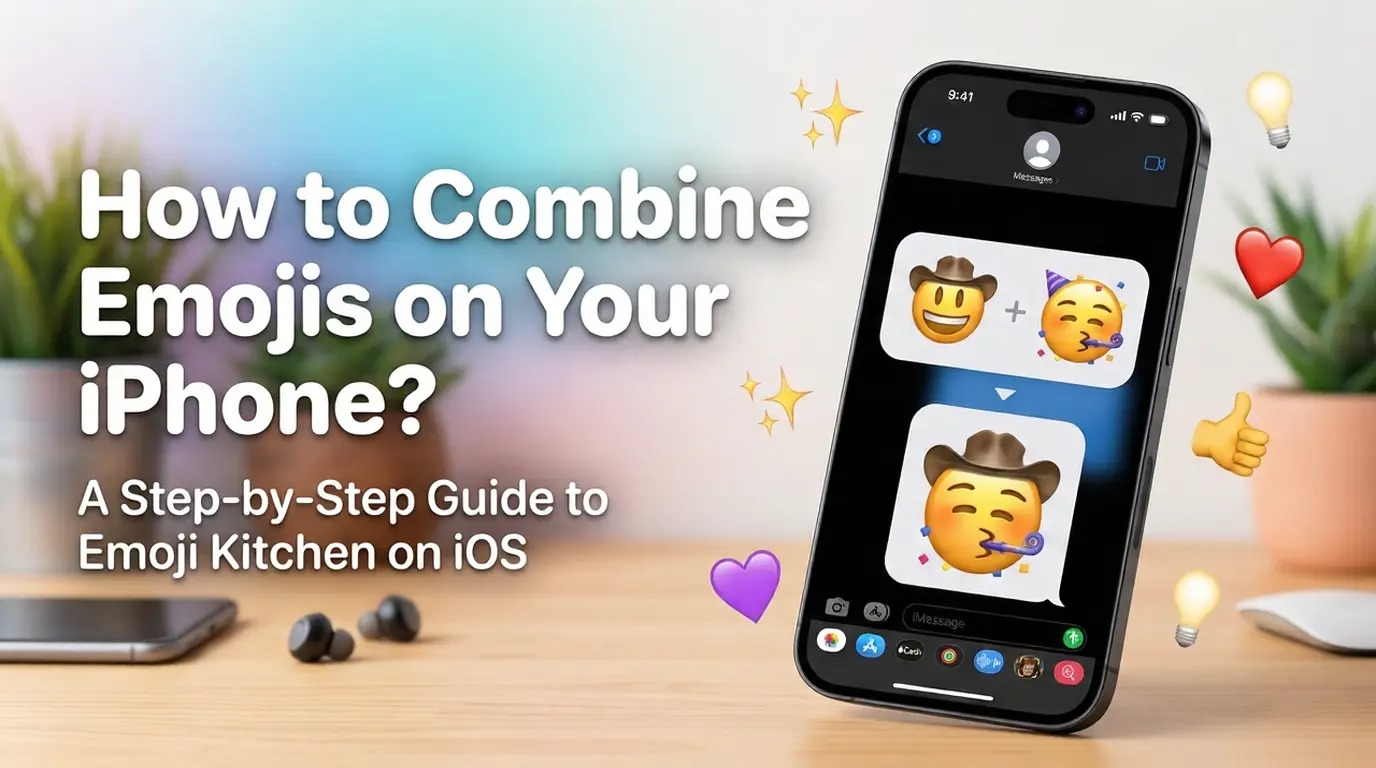



You send dozens of messages a day, and emojis are a massive part of how you express yourself. Sometimes, a single smiley face or a standard heart emoji just does not capture the exact mood you want to convey. Android users have been enjoying the ability to mash up different emojis for a while now, leaving Apple users wondering how to join the fun.
Currently, the iPhone does not support emoji mixing natively. You cannot simply tap two emojis on your iOS keyboard and expect them to merge into a brand-new hybrid.
Fortunately, you do not have to miss out on the trend. You can still combine emojis online in seconds. Using a few simple browser-based tools, anyone with an iPhone can create hilarious and unique emoji mashups to share with friends.
The short answer is no. There is no native feature built into iOS that allows you to mash two emojis together.
Android devices benefit from Google’s Gboard, which includes a feature called Emoji Kitchen. This built-in tool automatically suggests fun combinations when you type two distinct emojis. Because Apple uses its own proprietary keyboard and rendering system, iPhone users do not have access to this native functionality.
Because of this limitation, iPhone users need to rely on web-based solutions to get the same creative results.
Instead of cluttering your phone with third-party keyboards or apps that often ask for intrusive permissions, instead you can use this online emoji combiner.
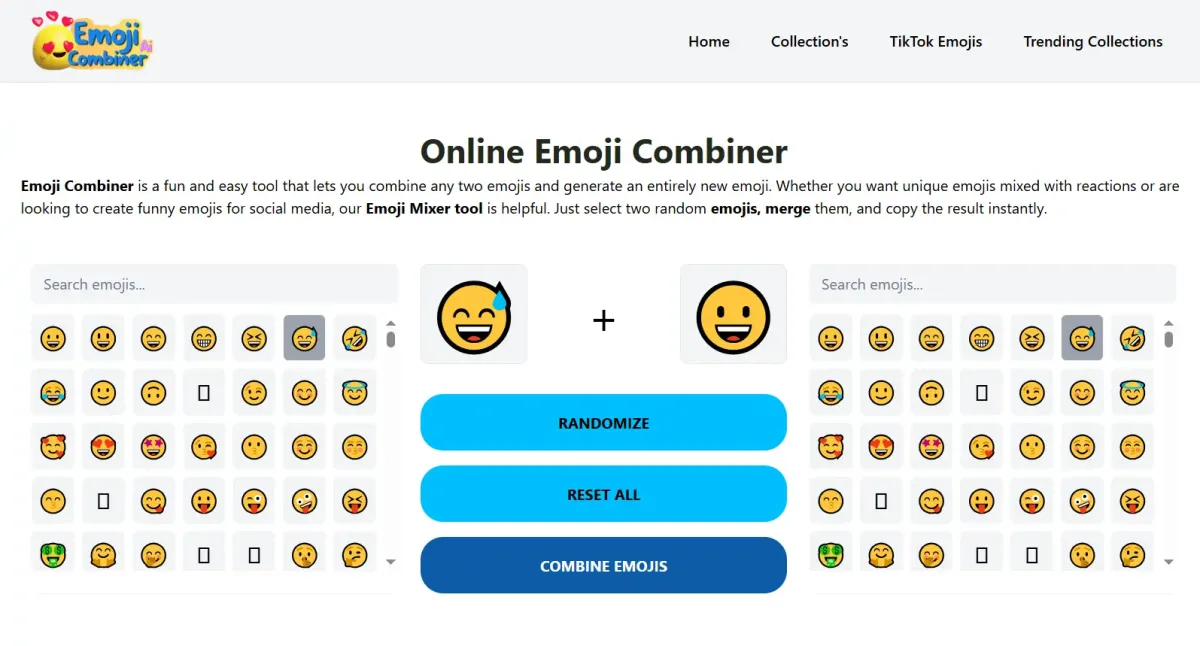
Online emoji combiner is incredibly convenient. It does not require any installation, instead it can be used on any web browser on your iPhone. Simply go to emojicombinerai.com, choose emojis, combine, and copy the result.
Creating your first custom emoji takes less than a minute. Here is exactly how to do it.
Open Safari on your iPhone: You can also use Chrome or Firefox.
Navigate to https://emojicombinerai.com/ to combine emojis.
Select your first emoji: Tap the interface to choose your base graphic.
Select your second emoji: Pick a second graphic to add a new flavor to the first.
Combine Emojis: Our Emoji Kitchen will instantly fuse emojis together into a single image.
Copy and paste anywhere: Tap the copy button, then paste it into your chat.
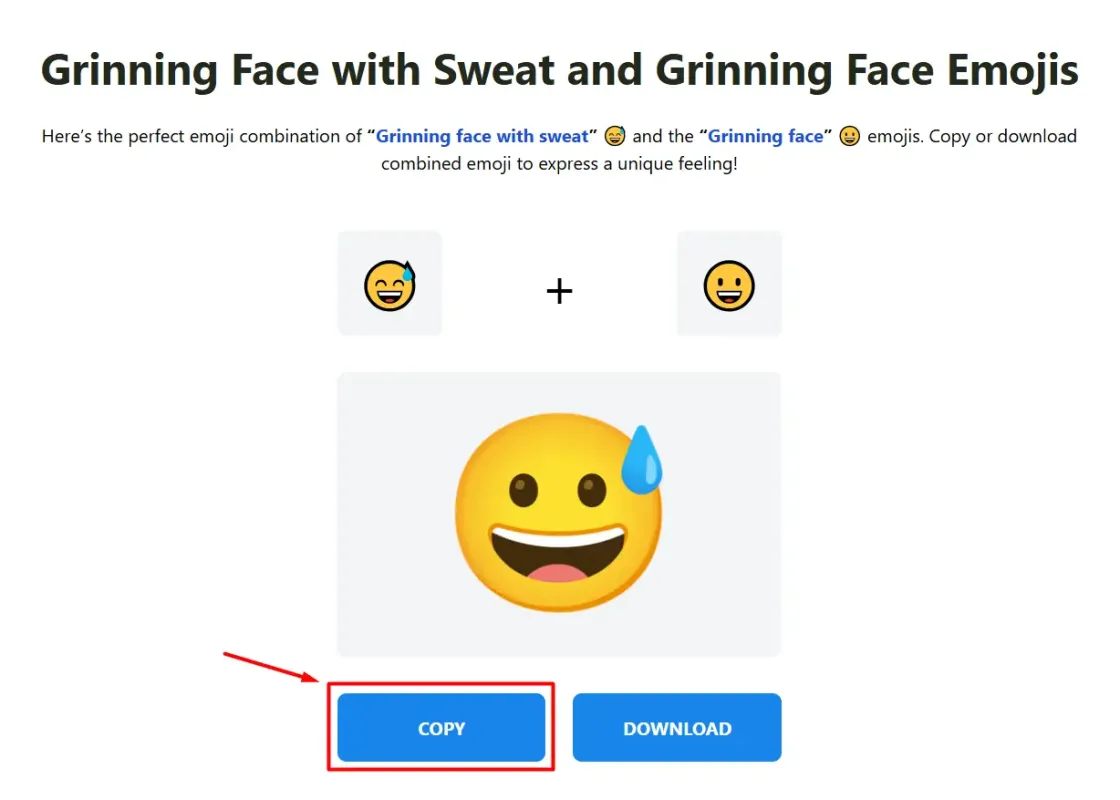
Tip: These generated emojis work perfectly in WhatsApp, Instagram DMs, TikTok comments, and iMessage.
Need some inspiration? Here are a few fan-favorite combinations that always get a reaction:
😂 + 💀 = A skull crying tears of joy (perfect for when something is painfully funny).
😍 + 🔥 = A flaming heart with heart-eyes emoji (ultimate appreciation).
🐱 + 🍕 = A cat made of pizza.
😎 + 🚀 = A cool smiley riding a rocket ship.
Playing around with these pairings is a great way to boost engagement in your group chats.
Apple’s emoji system is entirely static. Every single graphic you see on the iOS keyboard is a pre-rendered image file approved by the Unicode Consortium and designed specifically by Apple's art team.
There is no built-in mashup engine to dynamically generate new art on the fly. Google’s Emoji Kitchen, on the other hand, relies on a vast library of hand-drawn combinations created by Google designers specifically for the Gboard app. Until Apple decides to dedicate resources to drawing thousands of custom combinations, iOS users will have to rely on outside methods.
Custom emojis are brilliant tools for making your social media presence stand out.
Captions: Use a unique mashup as the focal point of a TikTok or Instagram caption to stop users from scrolling past.
Comments: Drop a custom emoji in the comments section of a viral video. Unusual graphics draw the eye and often rack up likes.
Branding: If you run a creator account, adopting a specific emoji mashup as your signature sign-off gives your brand a fun, personalized touch.
Yes. By using online browser tools like Google's web-based Emoji Kitchen, you can easily mash up graphics without downloading any standalone apps.
Not as a native keyboard feature. Emoji Kitchen is an Android-only feature built into Gboard. However, Google made the tool accessible via standard Google web searches, meaning iPhone users can use it through Safari.
Yes. When you copy a combined graphic from a web tool, it pastes into WhatsApp and iMessage as a sticker or a small image file with a transparent background.
No. All the best combiner tools operate entirely in the cloud. You do not need to install custom keyboards or sketchy third-party software.
Customizing your digital communication adds a layer of fun to everyday conversations. While the iPhone might not have a built-in mixing tool, the web provides everything you need to create the perfect graphic. Open your browser, pick your two favorite icons, and start surprising your friends with emojis they have never seen before.
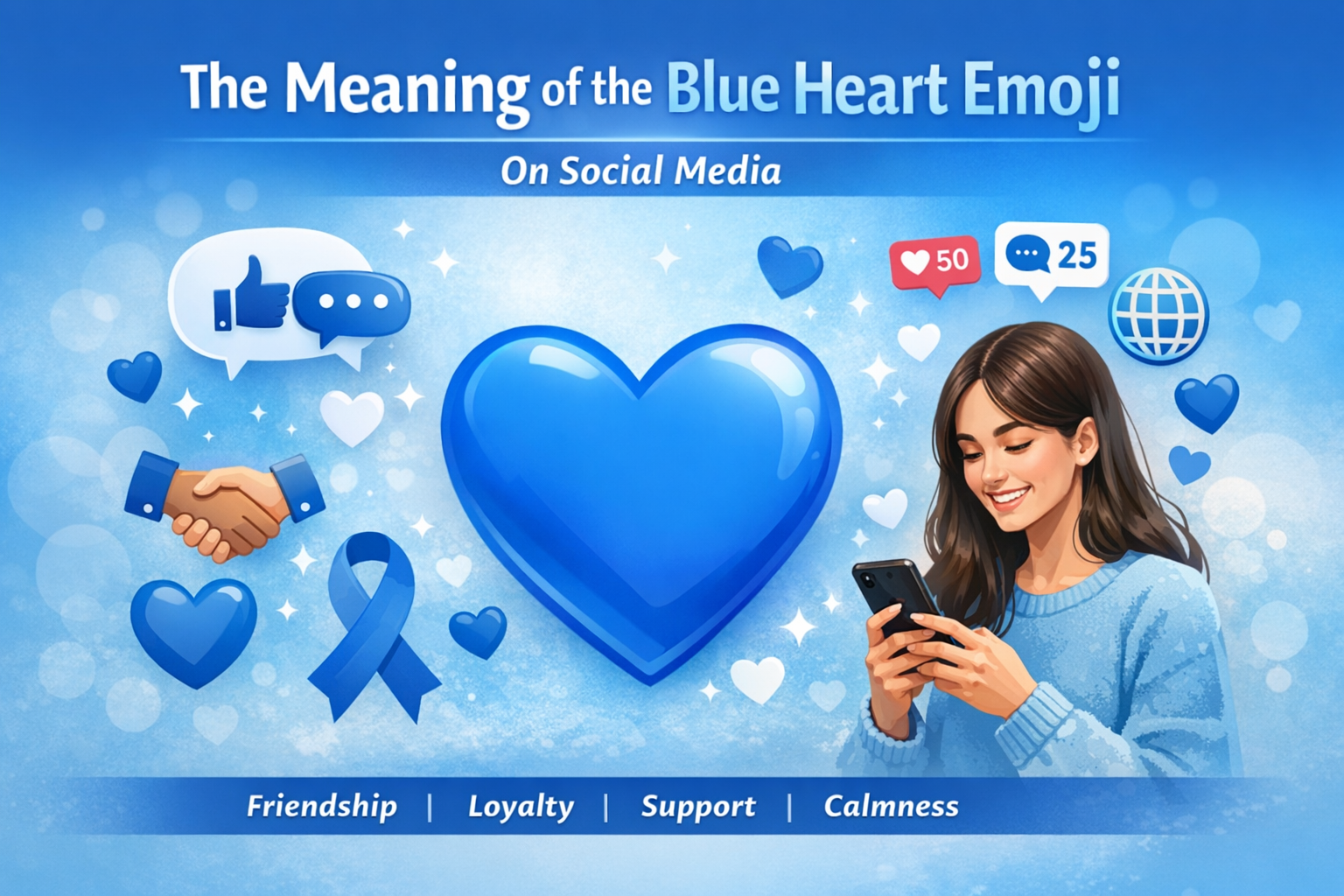
Emojis have become a universal language in digital communication these days, helping people express emotions quickly and visually. Among them, heart emojis are some of the most popular, each color carrying its own subtle meaning. The blue heart emoji 💙, in particular, has gained attention on social media for its versatile symbolism. Unlike the classic red heart, it isn’t always romantic. Its meanings can range from friendship and loyalty to calmness and support. Understanding the context behind the blue heart can help users communicate more clearly and connect meaningfully online. So, in this article, we will discuss what the blue heart emoji means on social media. Let’s start.
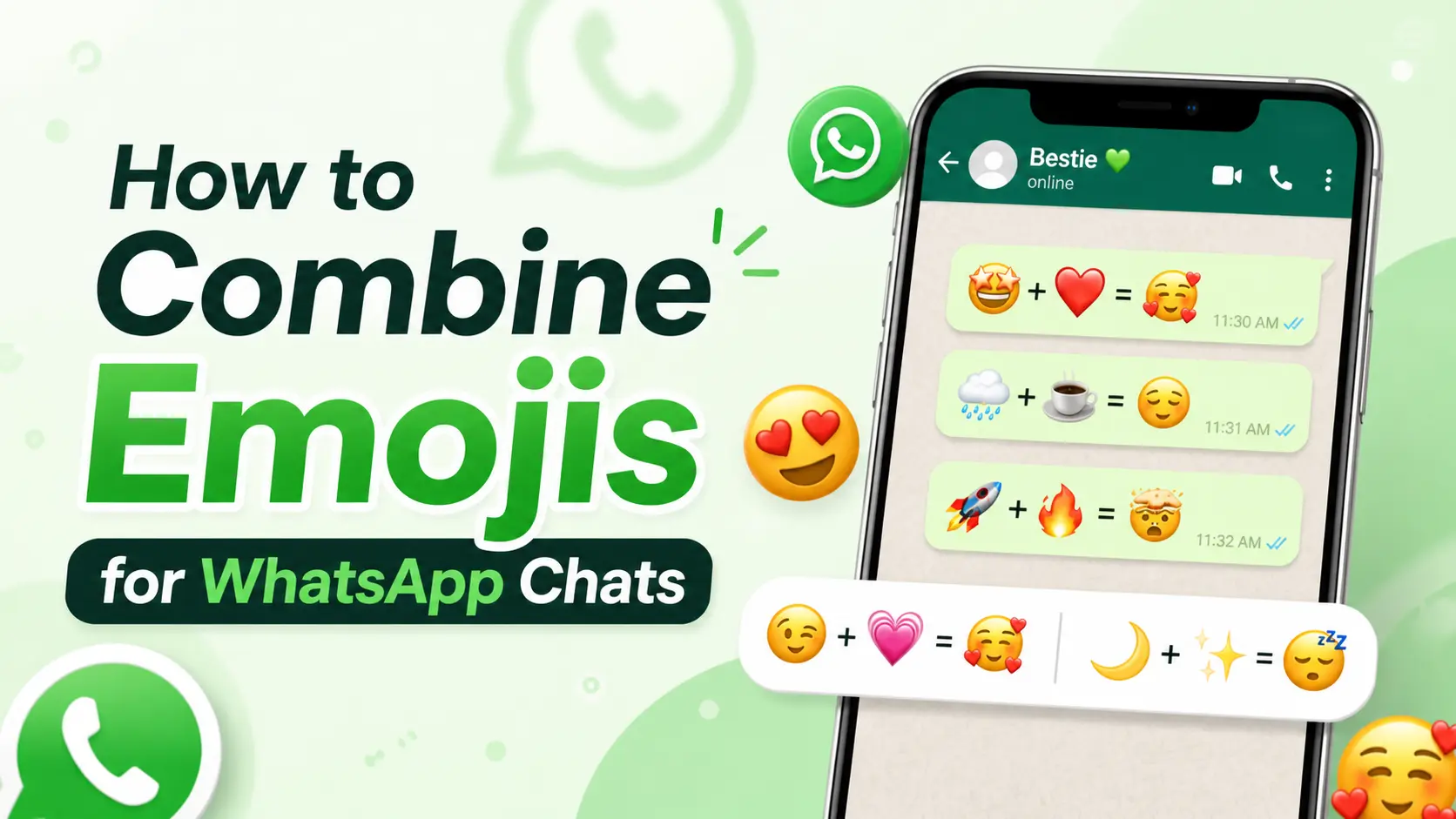
Have you ever tried to combine emojis in WhatsApp. Could not find the option? You open WhatsApp stare at your keyboard and think that combining two smileys would be the way to react. For example you might want a crying face with a cowboy hat on it or a turtle and a balloon together. You look through the menus. There is no way to combine emojis.
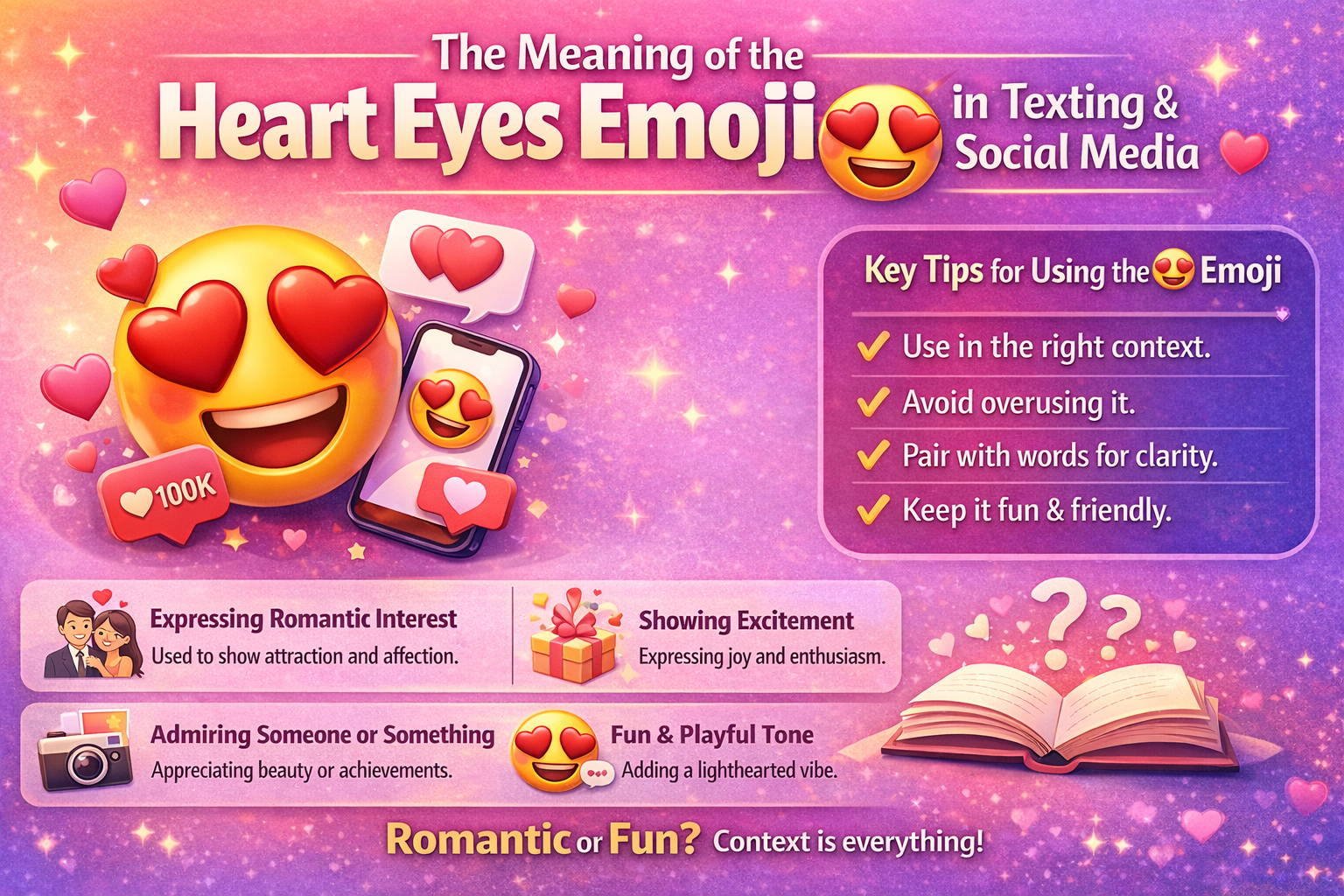
The heart eyes emoji 😍 is one of the most widely used symbols in texting and on social media. It is commonly used to show love, admiration, or strong approval for a person, object, or idea. People often use it in messages, comments, or posts to express positive feelings quickly without words. While its meaning seems straightforward, the way it is used can vary depending on the context. Knowing the meaning and typical uses of the heart eyes emoji can help people communicate more clearly in digital conversations. In this article, we will explore the meaning of the heart eyes emoji in texting and on social media, and tips for using it appropriately.